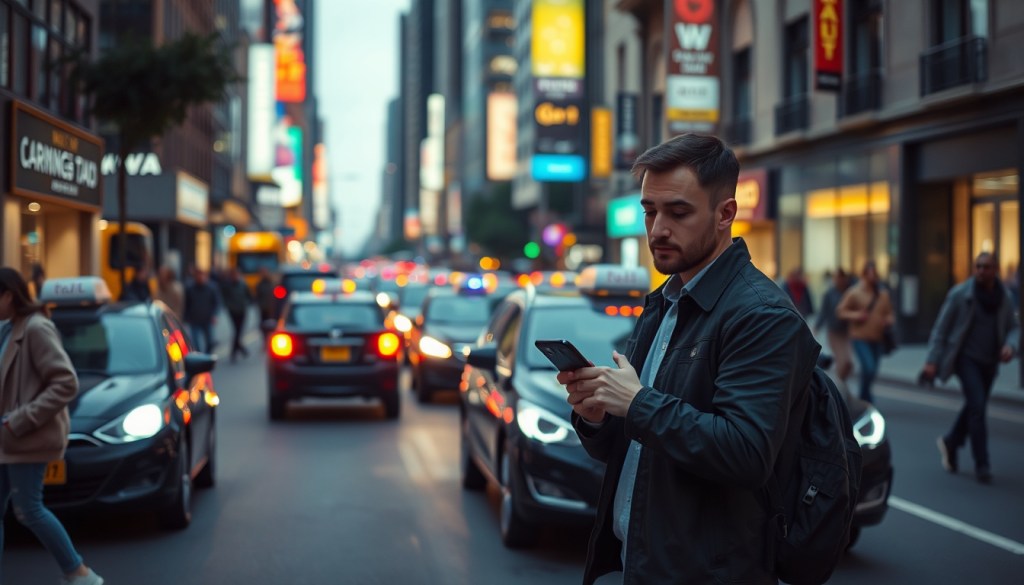
A rideshare canceling can be annoying and confusing. It may mess up your plans or leave you unsure what to do next. There are simple, sensible first steps you can take.
Why This Situation Matters
A canceled ride can cause delays and extra cost. It can disrupt meetings, childcare, or other plans. It may also leave you needing a safe way to get where you need to go. Checking things early can reduce stress and small problems.
What to Do Immediately
- Stay calm — Take a moment to breathe. Panicking can make decisions harder.
- Check the app — Look for a reason for the cancellation and any messages from the driver.
- Confirm your pickup spot — Make sure your app shows the right location and address.
- Look for messages or alerts — The driver or the app may give next steps or updated ETAs.
- Request a new ride or choose another option — You can rebook in the app or pick a different service type.
- Wait briefly if it seems likely to be resolved — Sometimes drivers cancel by mistake and a new driver may be assigned soon.
Things to Avoid
- Rushing toward the driver — Moving quickly can be unsafe or confusing.
- Confronting the driver in person — This can escalate the situation.
- Accepting a ride from a stranger nearby — You may not know who they are or where they will go.
- Sharing extra personal details — Keep messages and information within the app when possible.
- Repeatedly canceling and rebooking without checking fees — That may cause extra charges.
What to Do Next
Watch the app for updates and check your trip history for any charges or refunds. You may want to take a screenshot of the cancellation details for your records. If you need to get somewhere quickly, compare options like another rideshare, a taxi, public transit, or walking if it is safe. Let anyone waiting for you know there may be a delay.
When to Get Help
Help may be appropriate if the issue continues, you are unsure about charges, or you feel unsafe. Contact the rideshare support through the app for help with refunds or account questions. If you are in a public place and feel at risk, consider asking building security or local non-emergency authorities for assistance. For persistent problems with the service, contacting customer support can often provide a resolution.
Quick Summary
- Check the app first and stay calm.
- Confirm your pickup spot and look for messages.
- Rebook or choose another safe travel option.
- Contact in-app support if the problem continues or you need help.
About the Author
Situation Guide Editorial Team
The Situation Guide editorial team writes clear, practical guides for common real-world situations. Content focuses on safe first steps, plain-language explanations, and helping readers recognise when professional help may be appropriate. This guide provides general information only and is not a substitute for personalised professional advice. Specific circumstances can vary.
 Situation Guide
Leave a comment